
If product knowledge lives only in your founder’s head, your sales engineer’s slide deck, and a Notion page nobody updates, every new piece of marketing has to be rebuilt from scratch. A good product brief solves that. Done well, it’s the document an AI tool, a new hire, or an outside agency uses to understand your product without pulling someone off a call to explain it.
The format matters. Here’s what every product brief should include, and why each section earns its place.
If you’d rather see one in action, the video below walks through every section using an actual brief I built, with demo data swapped in for confidentiality.
→1. A quick guide
Every product brief should open with a quick guide that maps each section to the type of work it’s best suited for: product page copy, ad copy, sales enablement, SEO, long-form content. So when someone opens the brief to write a launch email or build a battlecard, they know exactly where to look.
This is also the right place for an accuracy note, reminding anyone using the brief not to invent things beyond what’s documented. Mostly that’s directed at AI tools, but it’s a useful reminder for human teams too.
→2. Product identity
A snapshot table. Product name, company, product category, parent platform if there is one, and any compliance or regulatory standards the product is built around.
Quick reference. The kind of thing that grounds everything else.
→3. What it is
Two to three paragraphs explaining what the product actually does, written so someone with zero prior context can follow it.
This is the section everyone else relies on. If it’s vague or jargon-heavy, every section after it gets harder to write. It’s also harder to do well than it sounds. Most product teams are too close to their own product to describe it cleanly, which is why an outside interviewer often surfaces the right framing faster than an internal draft would.
→4. Target audience
The audience should be broken into three groups:
- Primary users. The people touching the product every day. What their job is, and which parts of the product they actually use.
- Buyers and decision makers. Who's authorizing the purchase and what they care about, which is usually different from what the daily user cares about.
- Adjacent stakeholders. Everyone else who interacts with or benefits from the system. Influencers, reviewers, teams downstream.
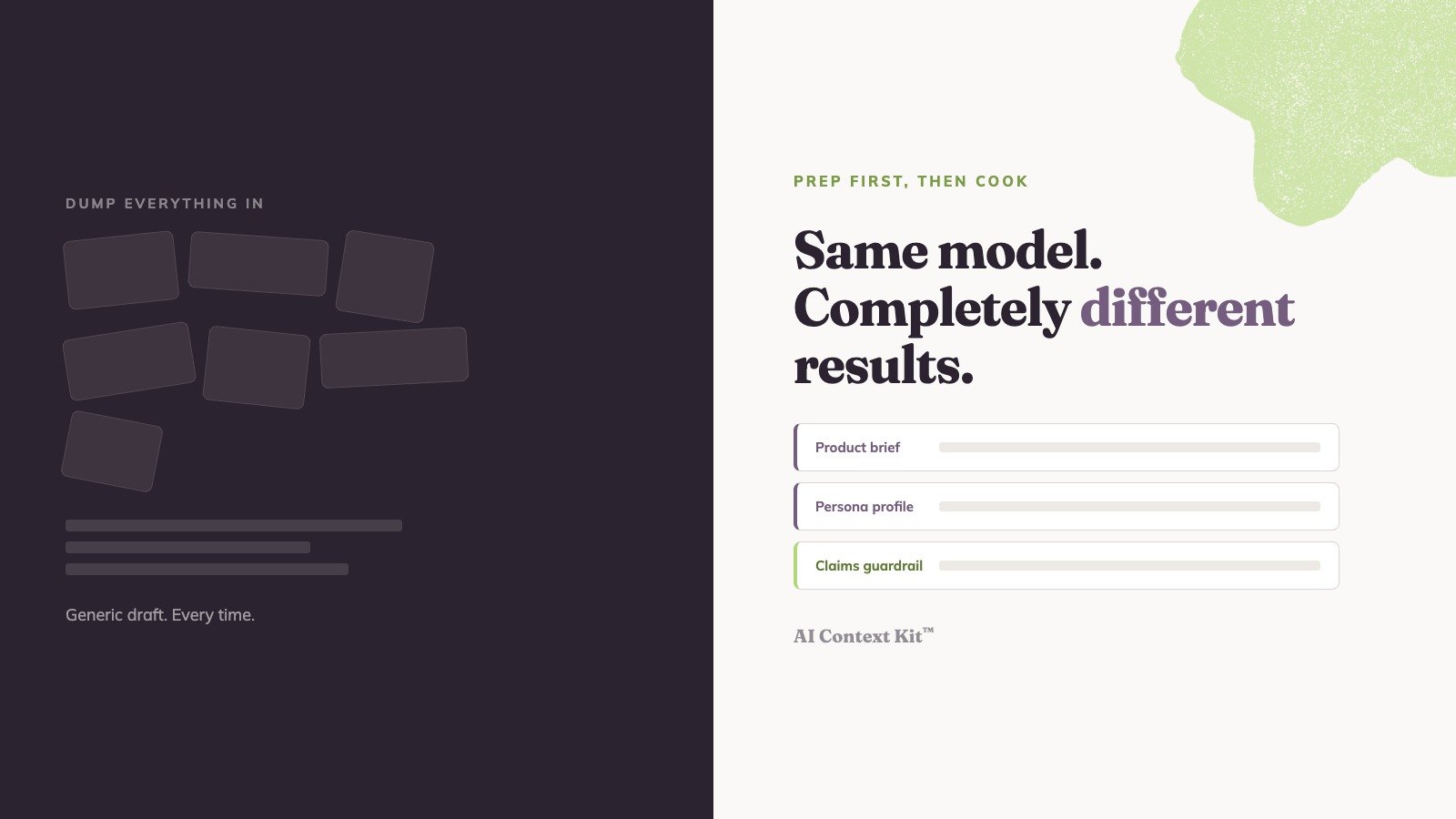
Most (if not all) products need different messaging for each of these groups. While the product brief points to who the stakeholders are, detailed persona profiles should also be created that cover their unique goals, pain points, decision criteria, and the language they use. Pairing the two gives writers and AI tools a clear lane for each audience, makes campaign personalization easier, and sharpens positioning and targeting decisions by grounding them in actual people.
→5. Problems it solves
This section should be organized by problem category: safety, financial, operational, compliance, or whatever the relevant categories are for your product.
Each category gets bullet points laying out the specific pains. And where the product expert has described what happens without the system in place, capture that specifically. That “without the system” framing tends to be the most useful raw material for sales pages, ad copy, and pain-led nurture sequences.
→6. Core workflow
A step-by-step walkthrough of the primary user workflow, broken into phases.
For each phase, capture three things: what the user does, what the system does, and what guardrails are in place. The goal is detail dense enough that someone could write a demo script or product walkthrough from this section alone. Most product documentation never gets specific enough about workflow, which is why marketing tends to fall back on generic feature lists.
→7. Value propositions
Three to six headline-ready themes, each with a supporting paragraph grounded in specific product capabilities.
These are the anchor “why this matters” statements: the ones that drive homepage headlines, ad copy, and pitch decks. Not abstract benefits. Things that actually trace back to what the product does.
→8. Key features
The features the product expert calls out as most important, in approximate order of impact.
Each gets a name, what it does, why it matters, and which problem it connects to from earlier in the brief. There should also be a reference table at the end for additional features, with a short one-line description for each. Useful for product page detail and FAQs without crowding out the headline features.
Features in a vacuum aren’t very useful for marketing. Features ranked by impact and connected to specific problems are what you actually need.
→9. Proof points and social proof
Industry data, customer stories, testimonials. Anything that came up in the interview, plus relevant material from your website or anything else you can provide.
Customer names get anonymized where needed. This section is meant to grow over time. As wins, case studies, and data points accumulate, they get added in. Claims without proof are just claims. This is the section that backs them up.
→10. Competitive differentiation
How the product positions against each competitive context the expert mentioned.
That can mean named competitors. It can also mean category-level framing: what’s different about your product versus doing nothing, or versus using a different category of tool. Buyers don’t evaluate you in a vacuum. They’re comparing you to alternatives, including the alternative of inaction, and your messaging needs to handle each context.
If your product needs deeper competitive depth than fits in one interview, a separate session with whoever knows it best (often product marketing or a senior sales leader) can fill that in.
→11. Reports and analytics
If the product has a reporting suite, this section should cover it. A table with each report, what it shows, and who uses it.
Shared capabilities like export options, scheduling, and drill-down behaviors get pulled out separately so they don’t have to be repeated for every row.
If your product has a real reporting story, this is often one of the most underused selling points. Documenting it gives writers and AI tools enough to talk about it credibly.
→12. Integrations
Table. Each integration with its name and a brief description of what it does.
Pretty straightforward, but it matters more than it looks. Technical buyers expect to see this, and it’s a real factor in ranking for AI search. Worth getting documented properly.
→13. Implementation overview
What the vendor handles, what the customer is responsible for, and a realistic timeline.
Pre-implementation agreements and conditions for success belong here too: the things that determine whether a customer actually succeeds with the product. Implementation questions come up in every sales cycle. Documenting clear, accurate answers turns “we’ll figure that out” into “here’s exactly what to expect.”
→14. Terminology glossary
A table of industry-specific and product-specific terms, with accurate definitions.
This is one of the most underrated sections in the entire brief. If a copywriter or AI tool uses the wrong term, even by a little, technical buyers notice immediately. The glossary is what prevents that.
→What becomes possible once you have one
Once a product brief like this exists, it changes what’s possible across your go-to-market. AI tools start producing first drafts that need editing instead of rewriting. New hires ramp in days. Sales, customer success, and support all work from the same product truth. For a longer look at what becomes possible, see What marketers can do with AI and real product context.
You can build a brief like this internally. But most teams don’t, because the time never opens up. If you’d rather have someone build it for you, that’s what AI Context Kit™ does. One interview with your product expert (or two, depending on your product’s complexity and the depth of knowledge to capture). Five business days later, you’re reviewing first drafts, and in 2–3 weeks you have comprehensive product documentation formatted for your team and as structured markdown files you can load into any AI tool right away.
Head to aicontextkit.com to get started.